
The Secret to Professional Design: Creating Your Own Color Palette
Introduction
We have all been there: you are staring at a blank Canva canvas, and you know you need your design to look professional, but you just can’t get the colors to “click.” Consistency is the golden rule of design, and having a reliable color palette is the fastest way to elevate your work.
Why You Need a Balanced Palette
Choosing colors randomly often leads to designs that look messy or cluttered. A balanced palette, typically featuring a strong primary color supported by clean neutrals is what separates amateur designs from professional-grade graphics.
How to Use Our Generator
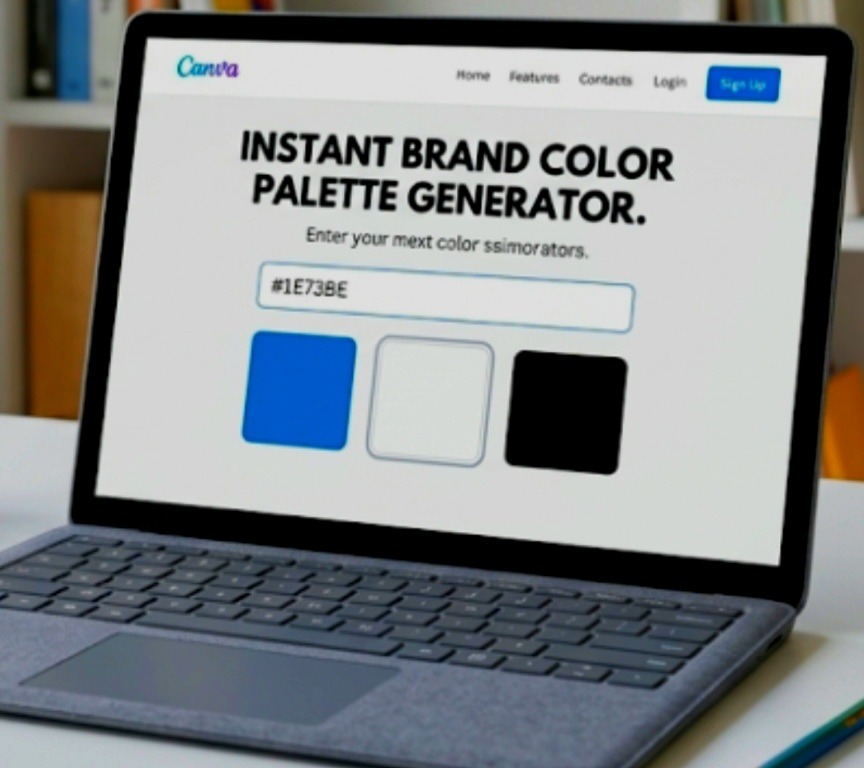
I wanted to make this process easier for you. Instead of guessing, I’ve built a simple canva color palette generator tool to help you visualize your brand.
- Simply grab the hex code of your main brand color (the one you use most in your projects).
- Paste it into the box below.
- Instantly see a balanced combination that you can apply to your next Canva project.